Mousebest Guides

Best Mouse for CS2

Updated 25 Apr 2026.

1

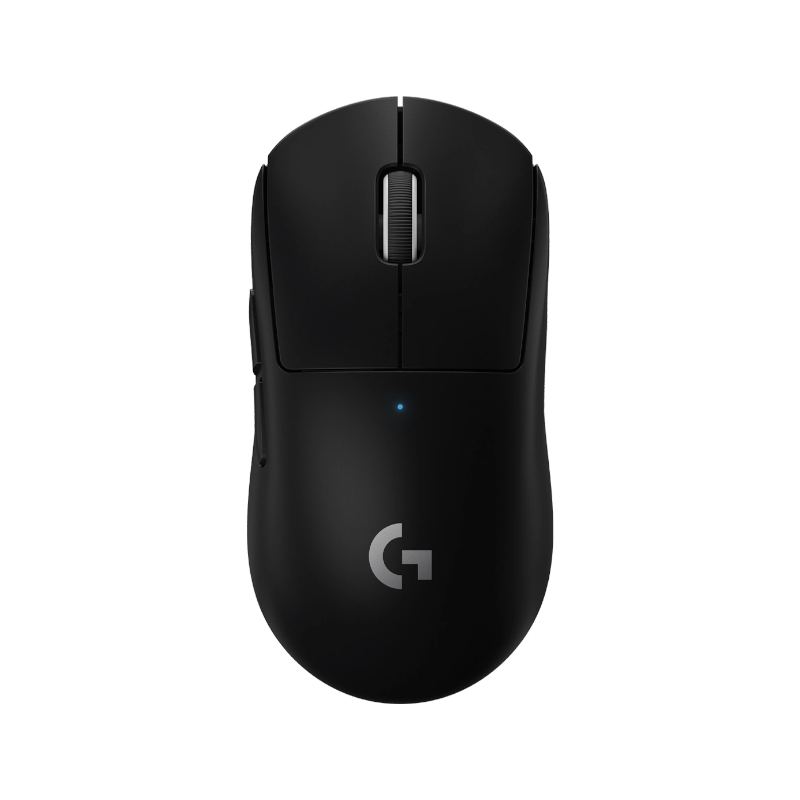
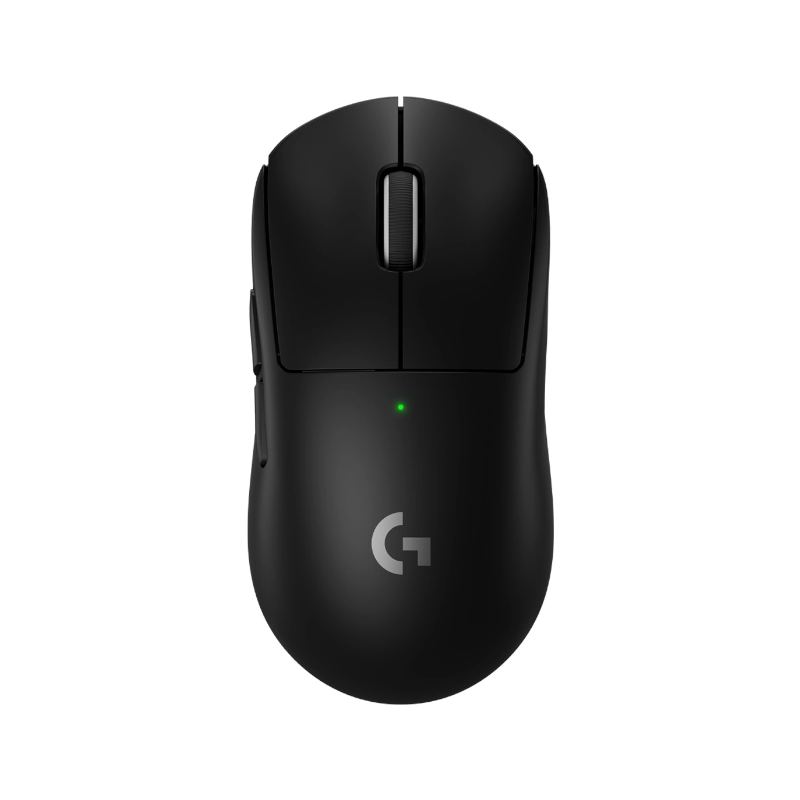
Logitech G Pro X Superlight 2

The safe-shape pick people reach for first when they want a simple CS2 mouse that does not need much explaining. Proven in tournaments and comfortably wireless, it is the closest thing to a no-regrets buy in this game.

Pros

  • Exceptionally light at around 60 g without feeling fragile
  • HERO 2 sensor is flawless with zero smoothing or prediction
  • LIGHTSPEED wireless is reliable enough that wired players switch and never go back

Cons

  • Premium price is hard to justify if you are on a tight budget
  • Ambidextrous shape does not suit every hand size or grip style
  • No onboard DPI button, so you manage sensitivity through Logitech G HUB
2

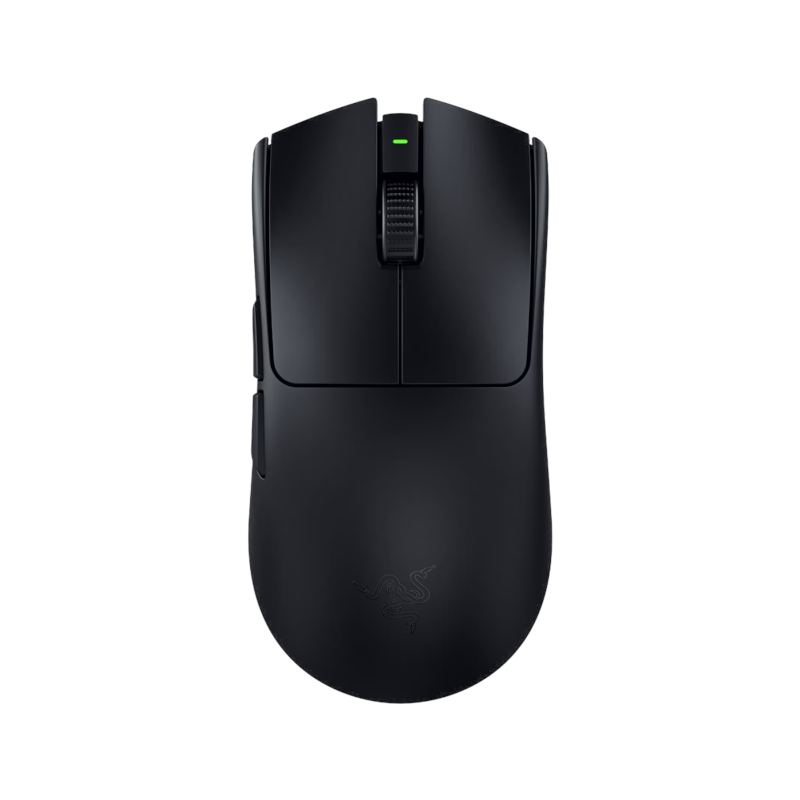
Razer Viper V3 Pro

A light ambidextrous option that stays popular because it feels quick without getting awkward in longer sessions. Works for both right and left-handed players and holds up well across different grip styles.

Pros

  • Works for left-handed players — genuinely ambidextrous
  • HyperSpeed wireless with class-leading 8K polling option
  • Focus Pro sensor and very responsive out of the box

Cons

  • Symmetrical shape favors claw or fingertip more than deep palm grip
  • Side buttons are right-side only, so left-hand use loses them
  • Slightly pricier than the original Viper without a massive upgrade in feel
3

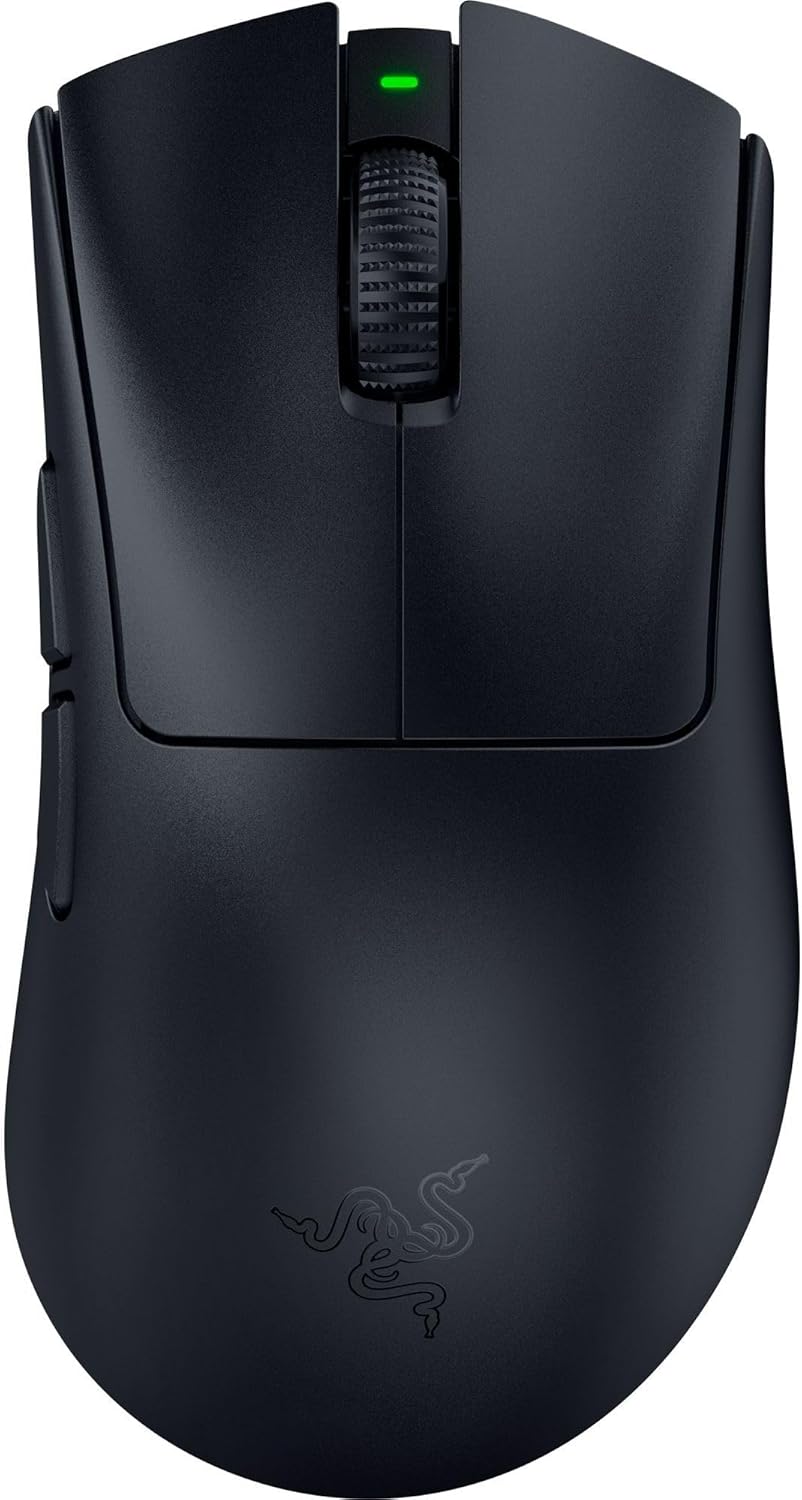
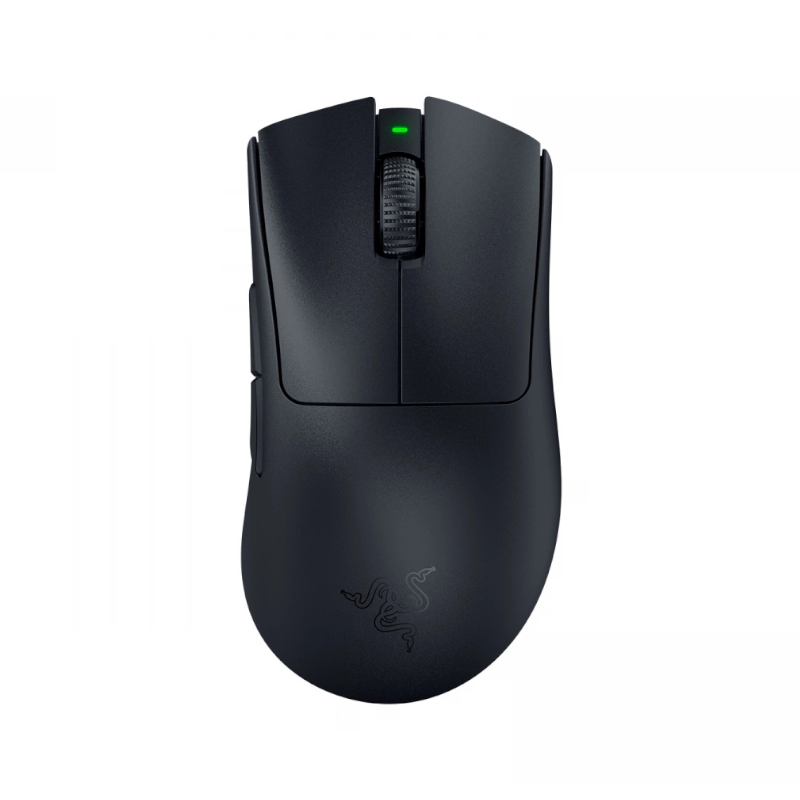
Razer DeathAdder V4 Pro

The main ergonomic choice here if you want a fuller right-handed shell with current top-end wireless specs. The DeathAdder shape has been a CS staple for years and this is the best version of it.

Pros

  • Best ergonomic shell on the list for right-hand palm grip
  • HyperSpeed Wireless with zero noticeable latency
  • Comfortable for long grind sessions without hand fatigue

Cons

  • Heavier than most picks at around 90 g
  • Right-hand only — left-handed players are out of luck
  • Larger footprint means it takes up more desk space
4

Logitech G Pro X Superlight

Older now, but still one of the easiest tournament-safe shapes to recommend if you want something familiar. Prices have dropped significantly making it a strong value option for CS2.

Pros

  • Much cheaper than the Superlight 2 now
  • Proven shape used by hundreds of pro CS players
  • Still very light and reliable for competitive play

Cons

  • Older HERO sensor — still good, but not the latest
  • No USB-C charging, uses micro-USB
  • The Superlight 2 improves on it in nearly every area if budget allows
5

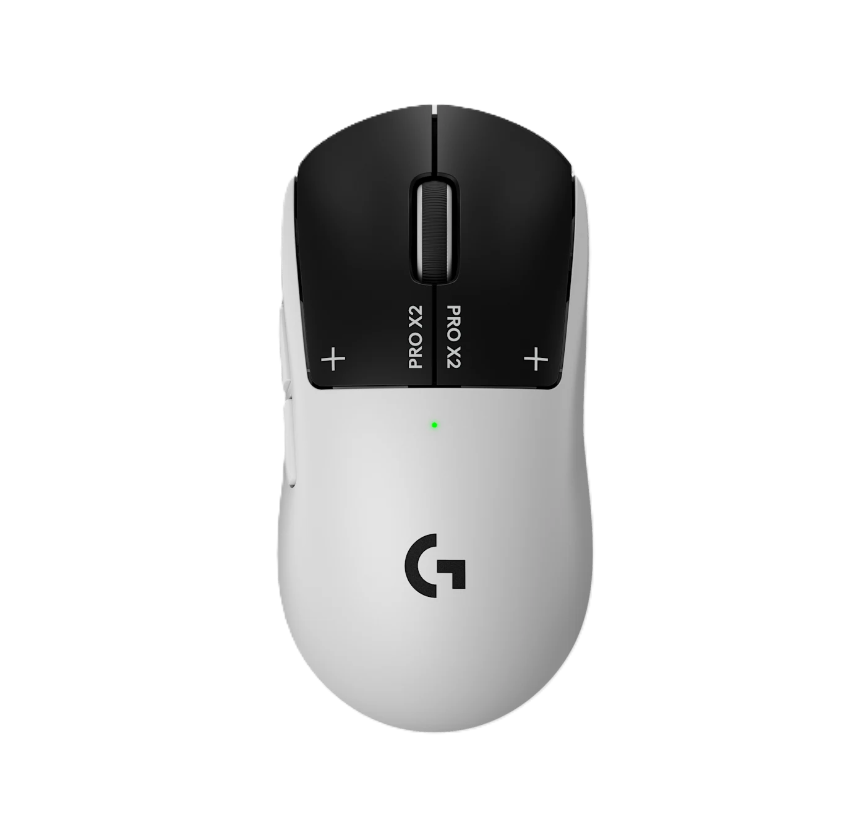
Logitech G Pro X2 SUPERSTRIKE

Same Logitech family feel, but aimed at players who want the newer switch tech and the latest release. Good if you specifically want the G Pro shape with modern internals.

Pros

  • LIGHTSPEED wireless with excellent battery life
  • Updated switches feel crisp and responsive
  • Familiar G Pro shape lowers the learning curve

Cons

  • More expensive than the Superlight 2 without a compelling reason to pick it over that
  • Shape still divides players who want a rounder rear hump
  • Heavier than the Superlight line at around 70 g
6

Razer DeathAdder V3 Pro

Still a strong ergonomic CS2 pick if you want the DeathAdder shape without chasing the newest version. Widely used and well-regarded — look for deals now that the V4 Pro exists.

Pros

  • Lighter than the V4 Pro at around 64 g
  • Same beloved DeathAdder right-hand shape
  • Often discounted now that V4 Pro is available

Cons

  • Older sensor than the V4 Pro
  • HyperSpeed wireless but not the absolute latest implementation
  • Harder to justify at full price when the V4 Pro is close in cost
7

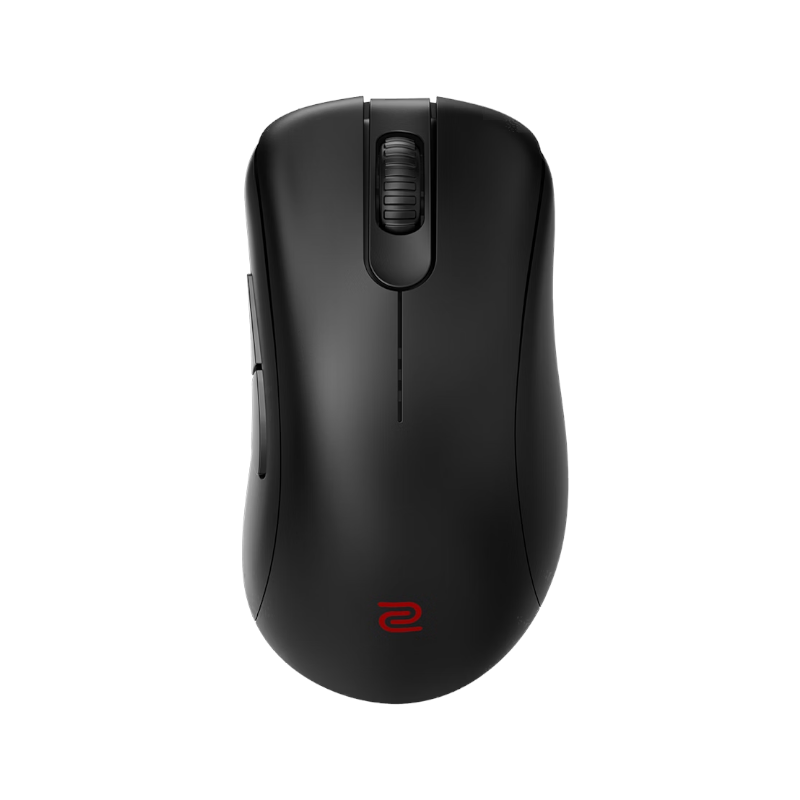
ZOWIE EC2-CW

A classic ZOWIE control-first shape for players who still want that stable, no-nonsense tactical feel. The plug-and-play philosophy makes it a popular choice for tournament play where you cannot install software.

Pros

  • Zero software required — plug in and play immediately
  • EC shape is a CS staple trusted by pros for years
  • Wireless on a shape that was long wired-only, with no performance compromise

Cons

  • No RGB or onboard profile storage appeals to some, but feels bare to others
  • EC2 medium size is specific — not ideal for very large hands
  • Pricier than you might expect given the minimal feature set
8

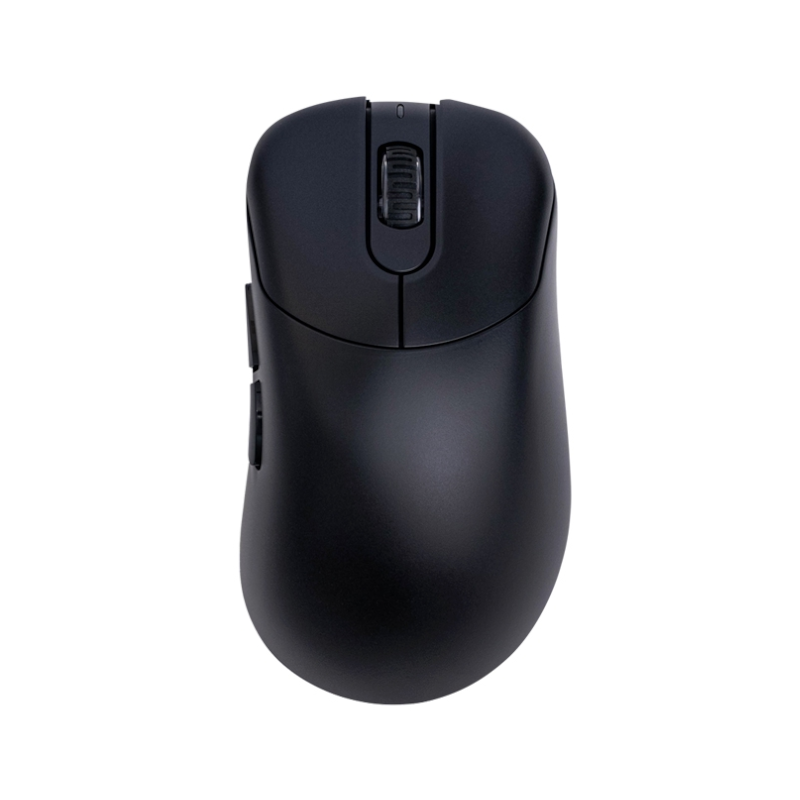
VAXEE E1 Wireless

A clean ergonomic VAXEE option that feels instantly familiar if you already like EC-style shells. Built with competitive CS play in mind and genuinely comfortable for medium to large right hands.

Pros

  • EC-inspired right-hand shape with excellent wireless implementation
  • Very smooth glide and clean sensor performance
  • Comfortable for long sessions without the hand strain some mice cause

Cons

  • Less mainstream than Razer or Logitech so fewer community reviews to reference
  • Shape is very specific to EC fans — not for everyone
  • Harder to find in physical stores to try before buying
9

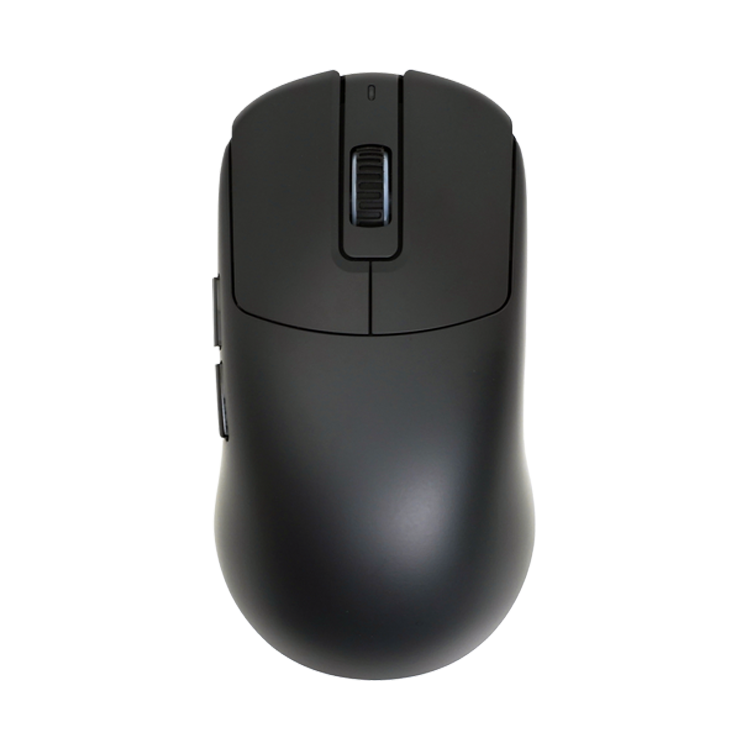
VAXEE XE V2 Wireless

The ambidextrous VAXEE choice if you want a flatter feel with very little extra fuss. Works for left and right-handed players and suits claw or fingertip players who prefer a lower profile.

Pros

  • Ambidextrous so it works for left-handed players
  • Very flat low-profile shape is great for fingertip and claw grips
  • Clean internals with strong wireless performance

Cons

  • Very flat profile is not comfortable for palm grip users
  • VAXEE brand is less mainstream, meaning limited hands-on demos
  • Less community discussion around CS2 specifically compared to Logitech or Razer
10

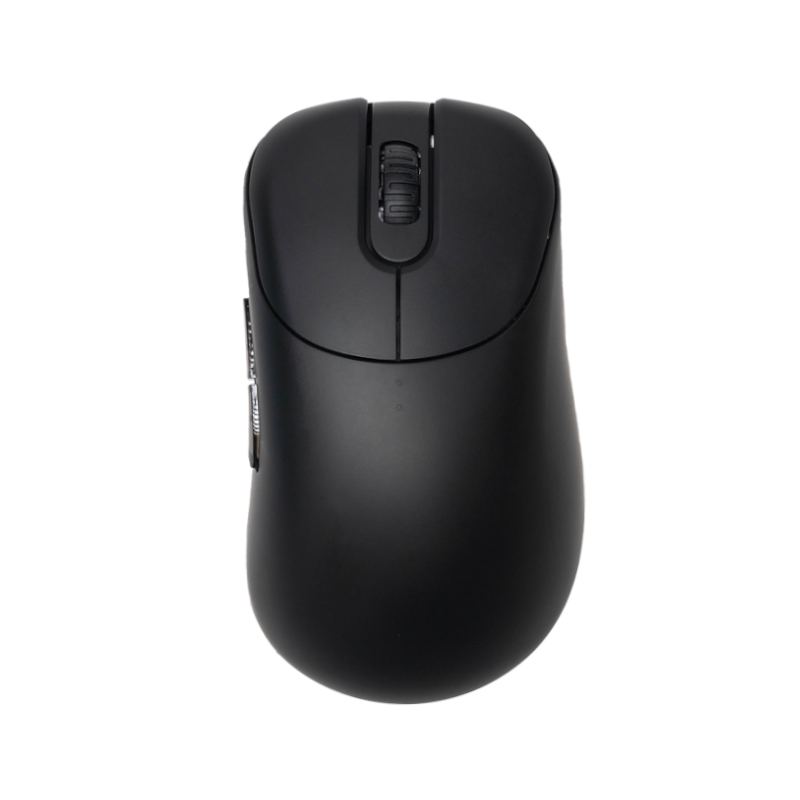
VAXEE OUTSET AX Wireless

The extra ergonomic option on the list if you want more palm support and a rounder rear shape. A good pick if you find most ambi mice too flat and want something that fills the hand more.

Pros

  • More palm support than typical symmetrical mice
  • Rounder rear hump makes it comfortable for larger hands
  • Solid wireless performance and reliable sensor

Cons

  • Niche shape not widely discussed in CS communities
  • Hard to demo before buying without specialty stores
  • Less available as a safe 'everyone recommends this' pick than the top options