Profile
Classic Static
Settings
Share code
Import in CS2
Loading…
Copy for the in-game share code, or Share for a Mousebest URL that restores this setup.
Console
Manual import
Loading…
How to use
- Adjust style, size, gap, color, and outline until the preview is readable on a few map backgrounds.
- Copy the share code for the quick in-game import, or copy console commands for a manual setup.
- Paste a teammate’s code with Paste to rebuild their crosshair, then tweak from there.
Settings guide
Style — Crosshair family and dynamic vs static behavior.
Length — How long each arm is around the target.
Thickness — Arm weight; thinner feels cleaner, thicker is easier to spot.
Gap — Space between the arms at the center.
Outline — Dark edge that helps on bright surfaces.
Color / Alpha — RGB color and transparency for map visibility.
Center dot — Extra focal point in the middle.
T style — Hides the top arm for a cleaner upper view.
FAQ
CS2 Crosshair FAQ
+ - Should I always use a tiny crosshair?
Not always. Small crosshairs help with precise rifling, but if they disappear on bright textures or fast swings, they stop helping. Prioritize visibility first.
+ - Is static better than dynamic in CS2?
Most experienced players prefer static styles because they stay predictable. Dynamic can still help while you learn how movement and spray affect accuracy.
+ - Can I share my setup with friends?
Yes. Use Share for a Mousebest URL that restores this setup, or Copy for the in-game CS2 share code.
+ - Why preview on multiple backgrounds?
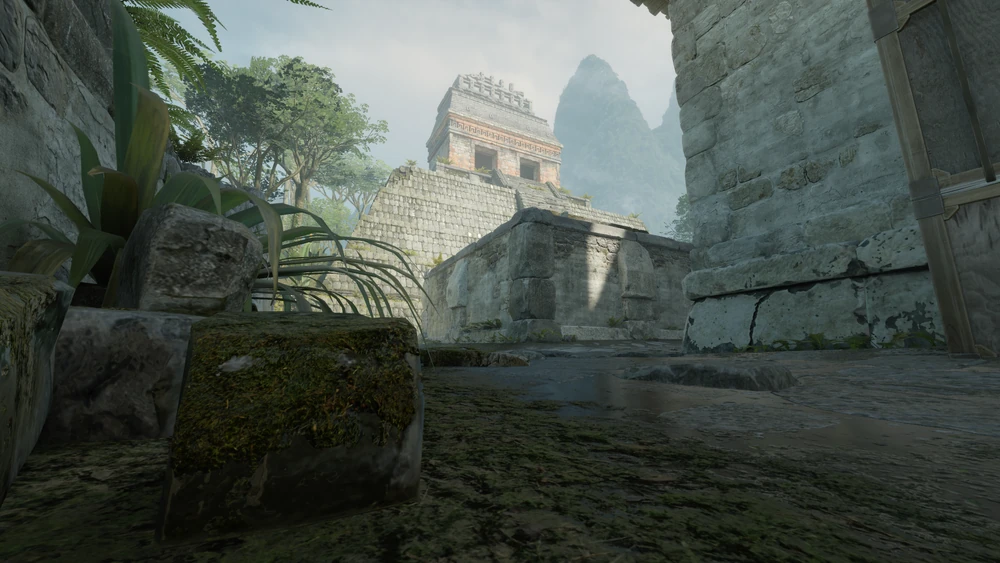
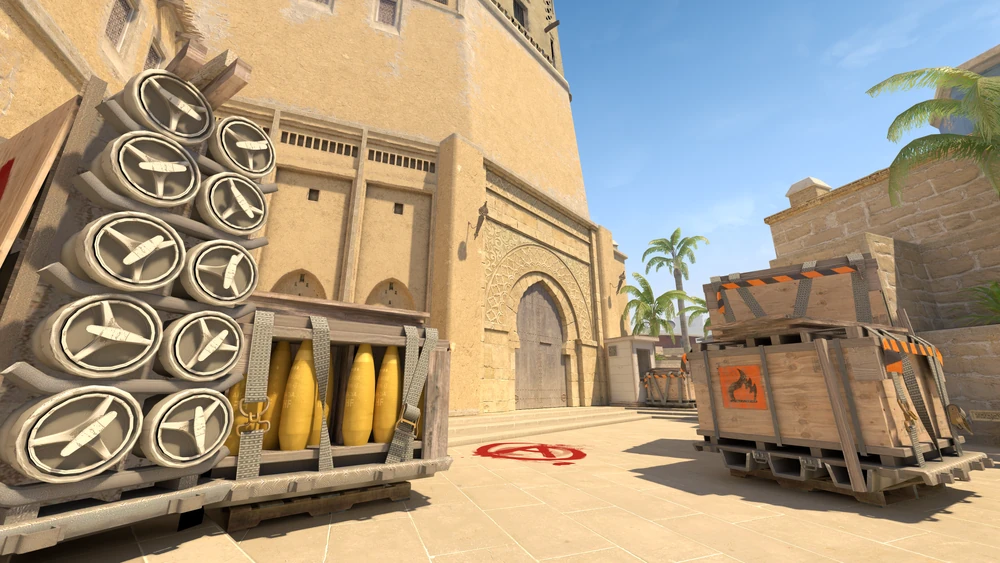
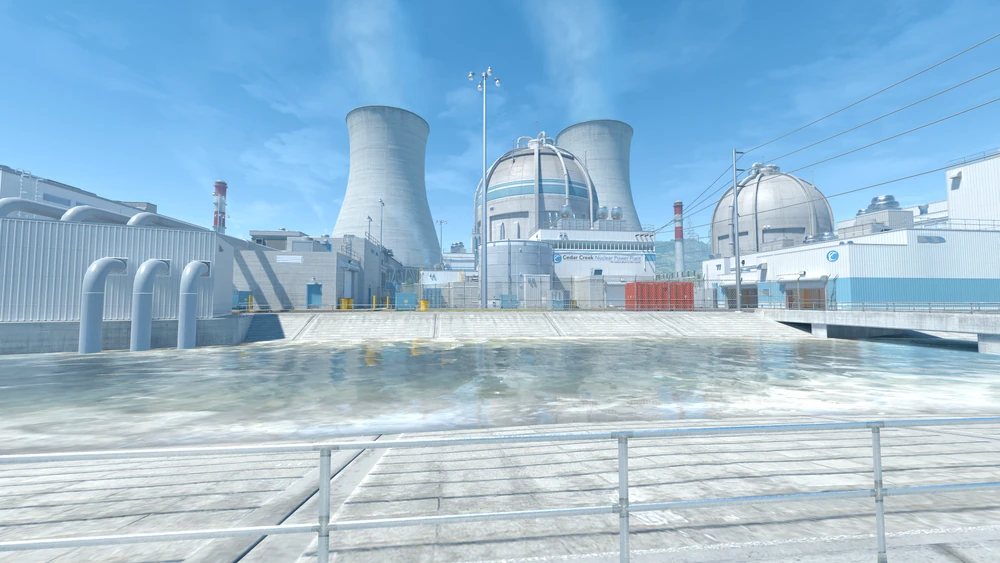
A crosshair that looks fine on a clean wall can vanish on bright or busy angles. Swapping map backgrounds catches that before you play.
+ - Do I need an account?
No. The tool runs in your browser. There is no signup, and the result shows on this page.