3D Aim Trainer
Clear 30 targets on a fixed 3x3 grid with FPS mouse-look - free, no install.
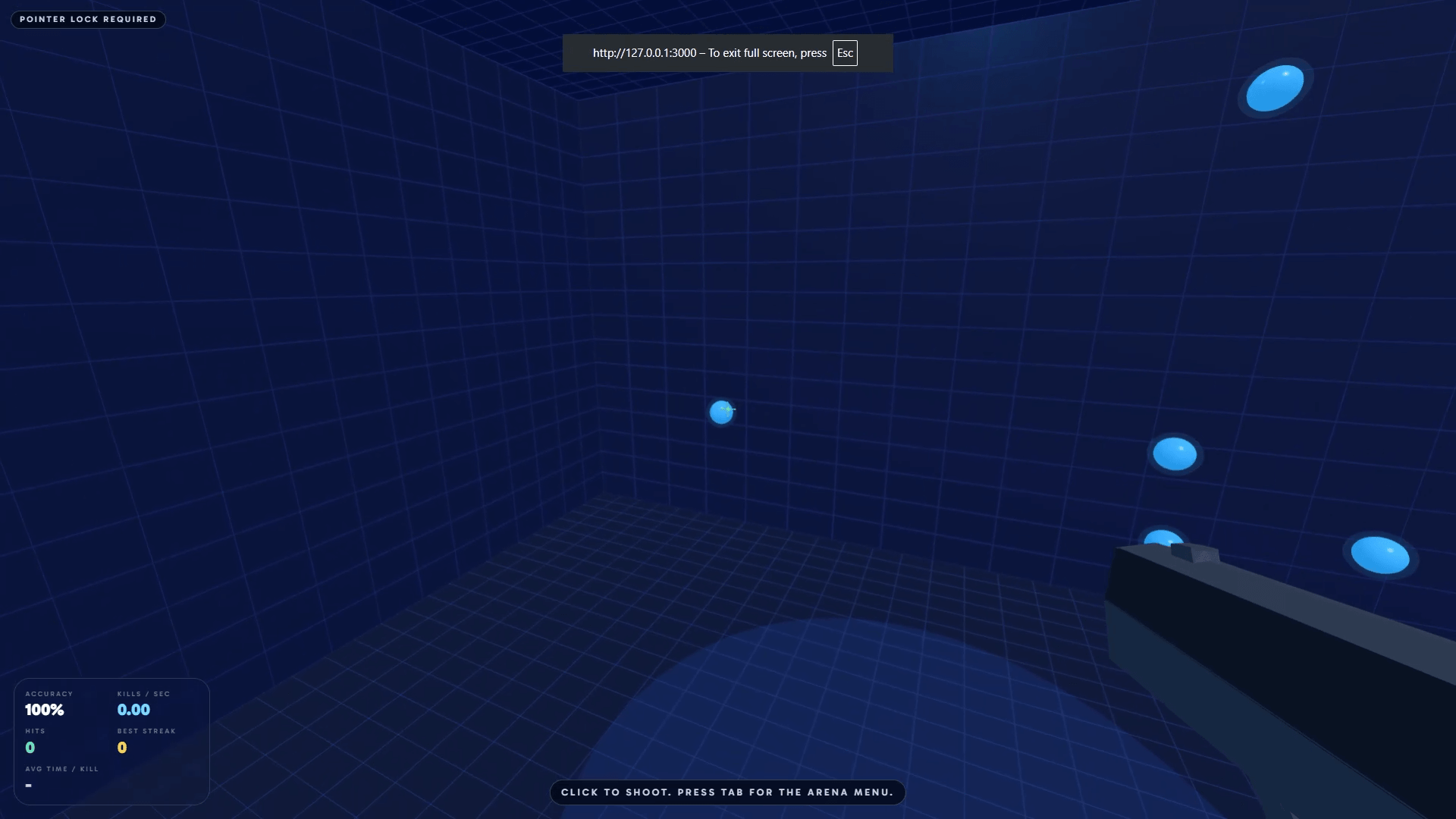
Desktop mouse recommended. Hover the preview to watch a short clip.
Accuracy
100%
Kills / sec
0.00
Hits
0
Best streak
0
Avg time / kill
-
Targets left
30
Time
0.00s
Shots
0
Accuracy
100%
Best run
-
How to play
- Press Play Now to enter fullscreen and lock the mouse (click again if the arena is still loading).
- Look with the mouse and left-click to shoot. One target is live on a 3x3 grid; each hit jumps to a new grid slot until you clear 30.
- Watch accuracy, kills per second, and streak in the on-screen HUD.
- Press Tab for pause, settings, restart, or quit. Best time is saved in this browser.
FAQ
3D Aim Trainer FAQ
+ - Why is the cursor locked?
Pointer lock turns your mouse into an FPS camera so you can look around freely. Press Tab to open the menu, or Escape to exit lock and pause.
+ - How many targets are live?
One target is live at a time, always on one of 9 fixed positions in a 3x3 grid. Each hit makes it jump to a different grid slot until you clear 30 total.
+ - How is the run scored?
The timer starts when pointer lock engages and stops when the 30th target is cleared. Lower times are better. Accuracy is hits divided by shots.
+ - Does my best run save?
Yes. Your best time is saved in this browser on this device only. Clearing site data will remove it.
+ - Can I change sensitivity or mute audio?
Yes. Press Tab during a run, open Settings, then adjust the sensitivity slider or toggle audio.
+ - Does this work on phones or tablets?
It is built for desktop mouse aim. Touch devices can open the page, but pointer lock and precise looking work best with a mouse.
+ - Why did Play Now ask me to click again?
The first click loads the 3D engine. Browsers require a fresh click after loading to allow fullscreen and pointer lock, so you click Play Now once more when it is ready.